Breathe Slowly
Follow the circle to inhale, hold, and exhale at a calm pace.
Settings
Breathing pattern
ZenBreath v1.0
A Breathing Bubble Built for Fast Reset
This breathing bubble gives you a visual breathing guide that is easy to follow under stress. The circle expands and contracts so you can breathe with the circle instead of counting in your head. You can run a short 1 minute breathing bubble, a calm breathing bubble 2 minutes session, or stay longer when your body needs more time.
How to Use the Breathing Bubble
- 1
Tap the circle to begin. Follow the animated breathing guide as it moves through inhale, hold, and exhale.
- 2
Open settings and choose a breathing pattern like default, square, pranayama, or ujjayi based on your comfort.
- 3
Adjust inhale hold exhale settings to create a custom breathing timer that matches your pace, then continue until your body feels steadier.
Why This Breathing Bubble Works
Visual Pacing That Is Easy to Follow
The breathing visualizer turns pace into motion, so guided breathing feels simpler during overwhelm than silent counting.
Custom Rhythm for Different Moments
Use preset patterns or build a custom breathing pattern when you want slower exhales, shorter holds, or a gentler cycle timer.
Low-Distraction Interface
Night mode, text toggles, and full-screen support help the breathing orb stay clear and calm on both desktop and mobile.
Ready in Seconds
This online breathing timer opens instantly with no sign-up, so you can use it at work, at school, or before sleep routines.
This tool supports emotional regulation and is not a medical treatment.
If anxiety symptoms are severe or ongoing, consult a licensed professional.
Breathing Bubble User Feedback
Sofia W.
When I feel overloaded, this breathing bubble calm routine helps me slow down fast. The circle makes it easy to stay with my breath.
Ethan C.
I use a short breathing bubble exercise between tasks. Two minutes is enough to clear the noise and restart.
Nora H.
My daughter and I both use it. The breathing bubble for kids is simple enough for her, and the custom settings work for me.
Frequently Asked Questions
What is a breathing bubble?
A breathing bubble is a visual breathing tool that expands and contracts to guide inhale, hold, and exhale timing. It works like a paced breathing timer on screen.
How do you start the breathing bubble?
Open the page and tap the circle once. The breathing bubble animation starts immediately and shows the current phase so you can follow along.
How can inhale and exhale time be changed?
Open settings and move the sliders for inhale, hold, and exhale. This lets you adjust breathing pace and create a custom breathing timer.
Which breathing pattern should be chosen?
If you are new, start with default. Square breathing is structured, pranayama is slower and deeper, and ujjayi removes hold time for smoother flow.
Is a breathing bubble good for anxiety?
Many people use a breathing bubble meditation routine to reduce stress sensations in the moment. It can support calm, but it is not a replacement for professional care.
Can kids use this breathing bubble tool?
Yes, with supervision when needed. The visual format is simple, and shorter sessions often work well for younger users.
Is sign-up required to use this breathing bubble?
No. You can use the breathing bubble exercise directly in your browser without creating an account.
How long should a breathing exercise last each day?
Start with one to three minutes, once or twice per day. Increase gradually if it feels helpful and comfortable.
Explore Another Tool
After a calm reset, switch to structured work mode with our visual focus timer.
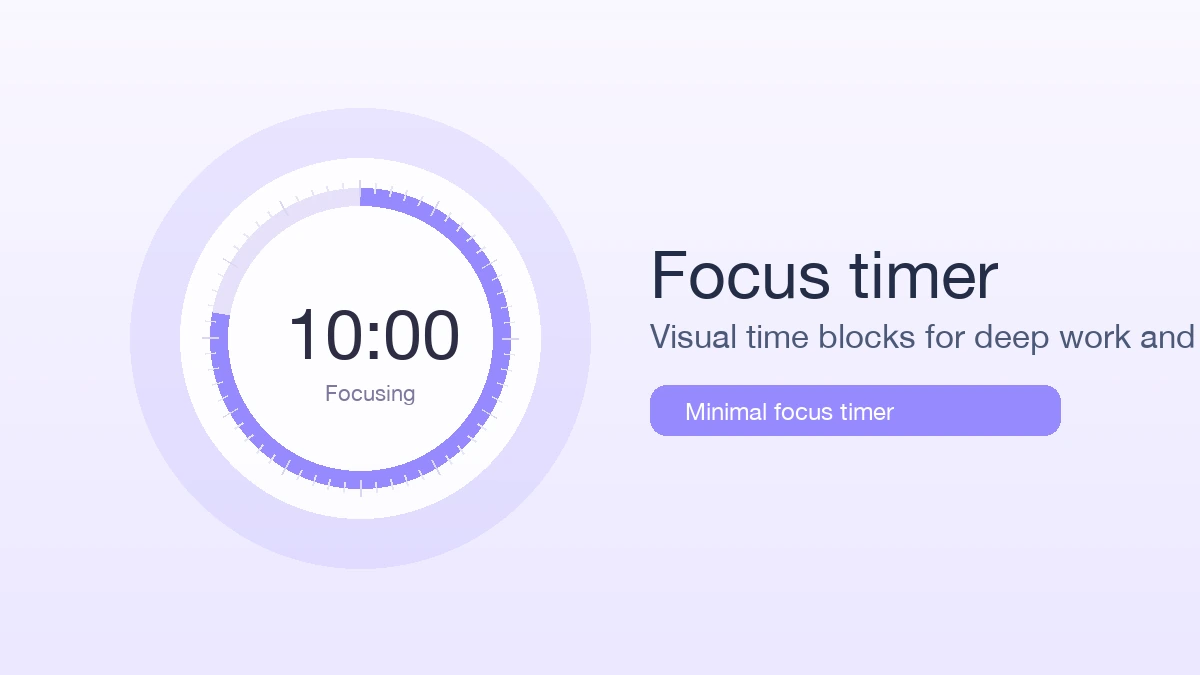
Run a visual focus timer with preset durations, smooth progress, and local settings for study and deep work.
Try focus timer